




How to Buy a Netflix Subscription in Bangladesh via bKash

Paying for Netflix from Bangladesh is harder than it should be. Netflix expects an international Visa or Mastercard, and many people here do not have one. If you want a subscription netflix plan and your money is in bKash, you need a different route.
The short answer: yes, you can buy it with bKash or Nagad, in Taka, without a foreign card. The official Netflix subscription price is billed in dollars, so the cost depends on your plan and your card’s exchange rate. A local reseller like Stream Bazar sells Netflix plans from 399৳, with shared or personal accounts, and delivers instantly after payment.
This guide walks you through the whole process. You will see how official Netflix plans compare with cheaper local options, how to choose between Mobile/PC and TV plans, and how to pay with bKash step by step. We also cover how to spot a legitimate seller, so you do not lose money to a fake page. By the end, you will know exactly what to buy and what to check first.
Netflix plans and prices in Bangladesh
Before you spend anything, you need to know what Netflix charges and what your cheaper options look like. Netflix prices differ by plan and change often, so treat any number you read as a starting point.
Official Netflix plans
Netflix sells plans by screen count and video quality. The usual tiers are Mobile, Basic, Standard, and Premium, and Netflix sets the Netflix subscription price for each one in your country. Check the current list on the Netflix plans and pricing page, because amounts can change without notice.
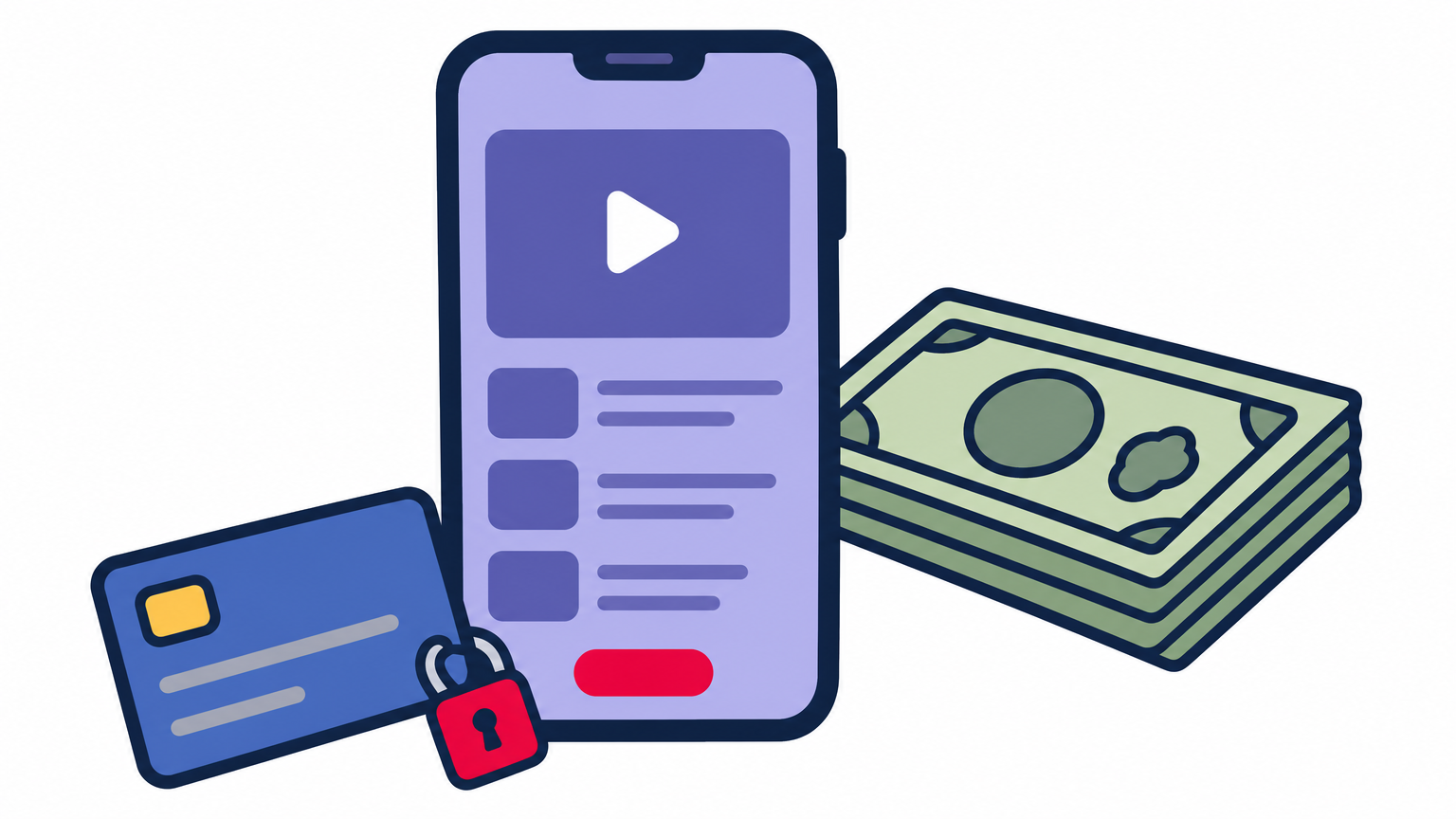
Paying Netflix directly is the problem. It bills in dollars, and many local cards have a small or zero foreign-spending limit, so the payment fails. You cannot pay the official Netflix Bangladesh bill with bKash.
Official Netflix needs a foreign card, while a local reseller takes Taka through bKash.
Official Netflix vs a local reseller
This table shows the practical differences between the two routes.
| Official Netflix | Stream Bazar | |
|---|---|---|
| Billing currency | Dollars | Taka (৳) |
| Payment method | International Visa or Mastercard | bKash, Nagad |
| Starting price | Set by Netflix, changes | From 399৳ |
| Account type | Your own account | Shared or personal |
| Plan options | Mobile, Basic, Standard, Premium | Mobile/PC and TV, up to 4K UHD |
| Delivery | After card approval | Instant after payment |
So the cheapest Netflix price in BD usually comes from a local seller using shared accounts. Personal accounts cost more but give you full control of the profile and password. Open the variant list on the product page to see which durations are in stock before you decide.
Step 1. Choose the plan that fits your needs
Start by deciding how you watch. The right Netflix plan comes down to three choices: device, account type, and duration. Get these right and you avoid paying for features you never use.
Match the device and account type
Check where you watch most, then decide between shared or personal access. You can see every option in the Stream Bazar streaming subscriptions catalogue.
- Mobile/PC: phone, tablet, or laptop only, and the cheapest route.
- TV: needed for the big screen, with up to 4K UHD quality.
- Shared account: lowest price, but other people use the same login.
- Personal account: your own login and profile, at a higher price.
Choose a duration
Next, look at length. Stream Bazar lists 1, 2, 3, 6, and 12 month variants. If you are new to a seller, start with one month and test the login. Once it works, a longer term often lowers your monthly cost, which helps if you want a Netflix 1 year subscription price in Bangladesh that fits your budget.
Test with one month first, then commit to a longer plan once the account works.
Step 2. Pick a payment route that accepts bKash
Netflix does not take bKash, so your payment route decides how smooth the purchase is. You have two realistic options, and one of them is far easier for how to buy a Netflix subscription in Bangladesh without a bank visit.
Use a local reseller
Most buyers should pick a local reseller that accepts bKash or Nagad. You pay in Taka, skip the dollar conversion, and need no foreign card.
The alternative is a card with international spending enabled. Many banks cap or block this by default, so a Netflix subscription Bangladesh buyer often hits a failed payment.
Check the seller before you pay
Anyone can post a Netflix ad, so verify the seller first. Run through this checklist:
- A business registration number. Stream Bazar, a trusted digital marketplace, lists its Ministry of Commerce DBID: 935867053.
- Clear Taka prices and plan variants, with no "message for price".
- Stock status shown on the product page.
- Support you can reach 24/7.
- A payment step that names the business, not an unknown personal number.
Check the seller before you send money, not after.
If a shop fails two of these checks, walk away.
Step 3. Place your order and pay with bKash
Once you have chosen a plan and a seller, a subscription netflix checkout takes about five minutes. Open your bKash app first and confirm your balance covers the full Netflix subscription fee plus any charge shown at checkout.
Place the order
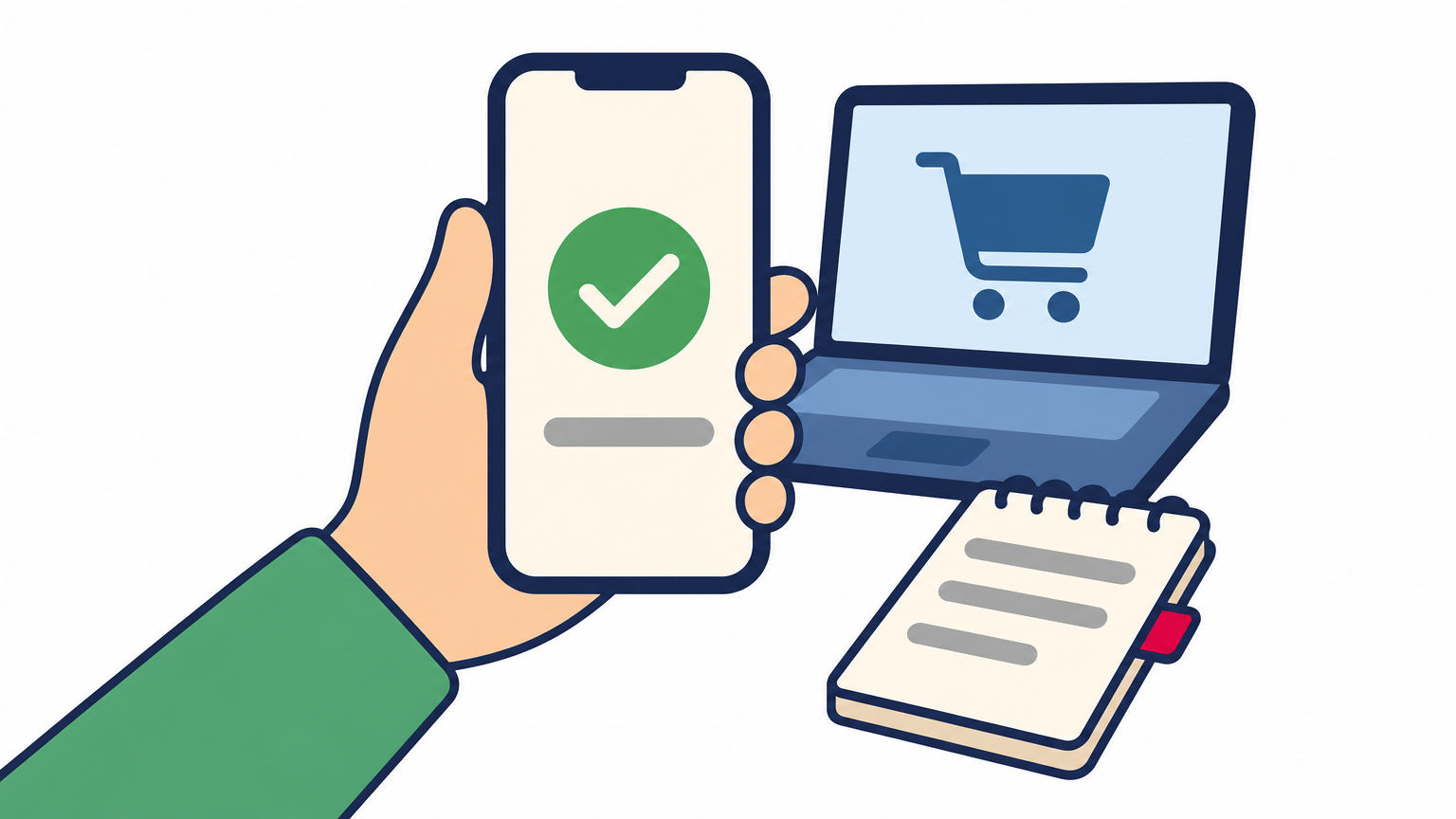
Work through the variant menu on the product page, then confirm the total in Taka before you pay.
- Select device, account type, and duration.
- Check that the stock status says in stock.
- Click Add to cart, then Checkout.
- Enter your email and phone number.
- Choose bKash as the payment method.
Pay and save your proof
After you pick bKash, enter your number, the verification code, and your PIN. Never share your PIN or OTP with anyone, including support staff. A real seller never asks for them.
Your TrxID is your receipt, so save it before you close the app.
Next, copy the transaction ID (TrxID) and take a screenshot of the confirmation. If delivery is slow, support will ask for this proof first.
Step 4. Activate your account and start streaming
Log in and set up your profile
Once your payment clears, your login details arrive through the email or order page you used at checkout. Open the Netflix app or netflix.com and sign in exactly as delivered. Copy and paste the password to avoid typos. Then run this checklist:
- Sign in on the device you chose, Mobile/PC or TV.
- Select the profile assigned to you.
- Play a video for a few minutes to confirm the picture quality.
- Check that the plan matches your order.
What to do if the login fails
Test the account the day you buy it, and read the common questions about delivery and warranty if something looks off. A problem reported within hours is easy to fix, and your TrxID and order number speed up the reply.
Test your login right after payment, while support can still fix it quickly.
Shared accounts come with house rules. Never change the password or edit someone else’s profile, because that can lock everyone out. A subscription netflix purchase from a local seller works best when you respect those limits. If anything breaks, message 24/7 support with your payment proof.
Ready to start watching
Buying Netflix in Bangladesh comes down to four moves. Choose your device, account type, and duration, pick a seller that takes bKash, pay and save your TrxID, then test the login the same day. Official Netflix needs a foreign card, but a verified local reseller lets you pay in Taka instead.
Start small. A one-month plan lets you check picture quality and support before you commit, and a subscription netflix purchase from a seller with a visible DBID is far safer than a random ad. Longer terms can wait until the account has proven itself.
When you are ready, pick your Netflix Bangladesh subscription at Stream Bazar, pay with bKash or Nagad, and get your login instantly after payment. You can also browse other OTT subscription BD options on the same site.